You can use the images below to share the Go Fund Me links on social media.
- Right click on the image you want to save.
- Select ‘Save image as…’
- Select where you want to save the image and then click the ‘Save’ button.
- The image is now saved to your computer and can be uploaded to Facebook or Instagram.
- Alternately you can highlight and copy the text link below each image and use that to upload directly from this site.
You can read instructions for sharing on Facebook or Instagram here.

https://stopwestcarletonbess.ca/wp-content/uploads/2026/04/BESS-social-water-1024×1024.png
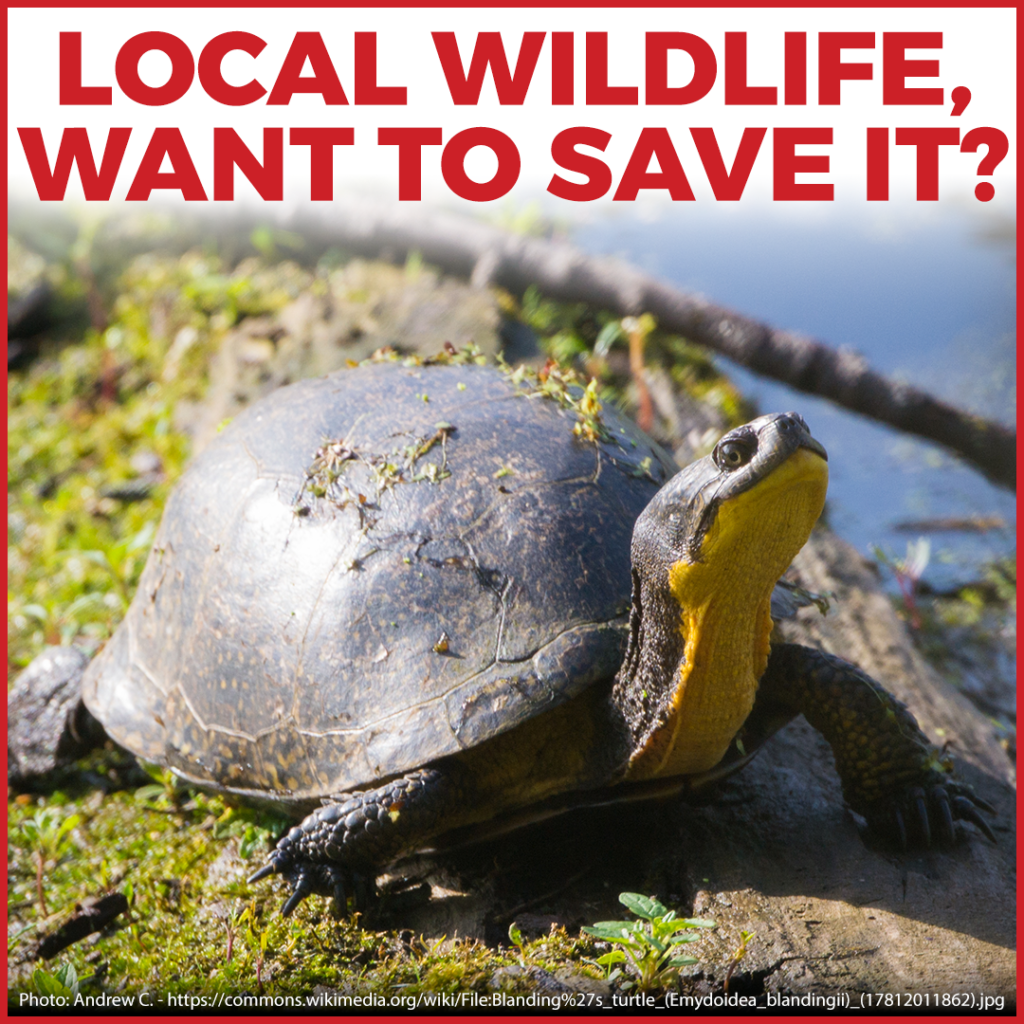
https://stopwestcarletonbess.ca/wp-content/uploads/2026/04/BESS-social-wild-1024×1024.png

https://stopwestcarletonbess.ca/wp-content/uploads/2026/04/BESS-social-rural-1024×1024.png

0 Comments